Live TV
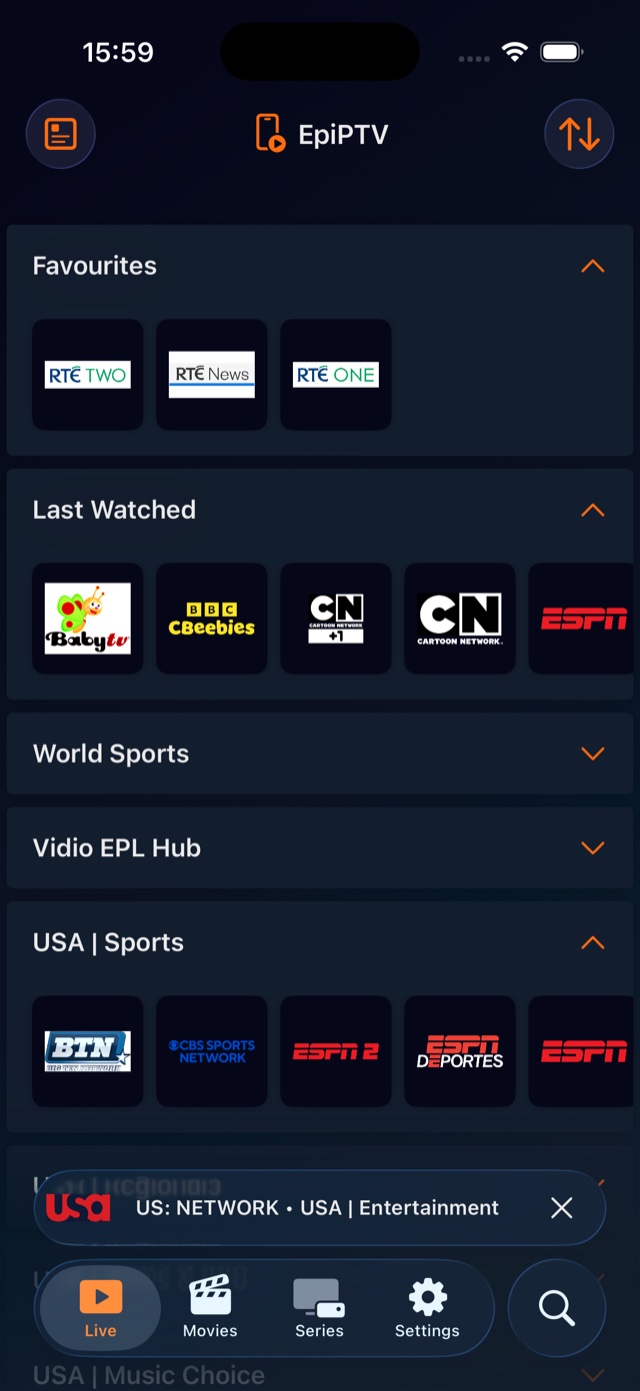
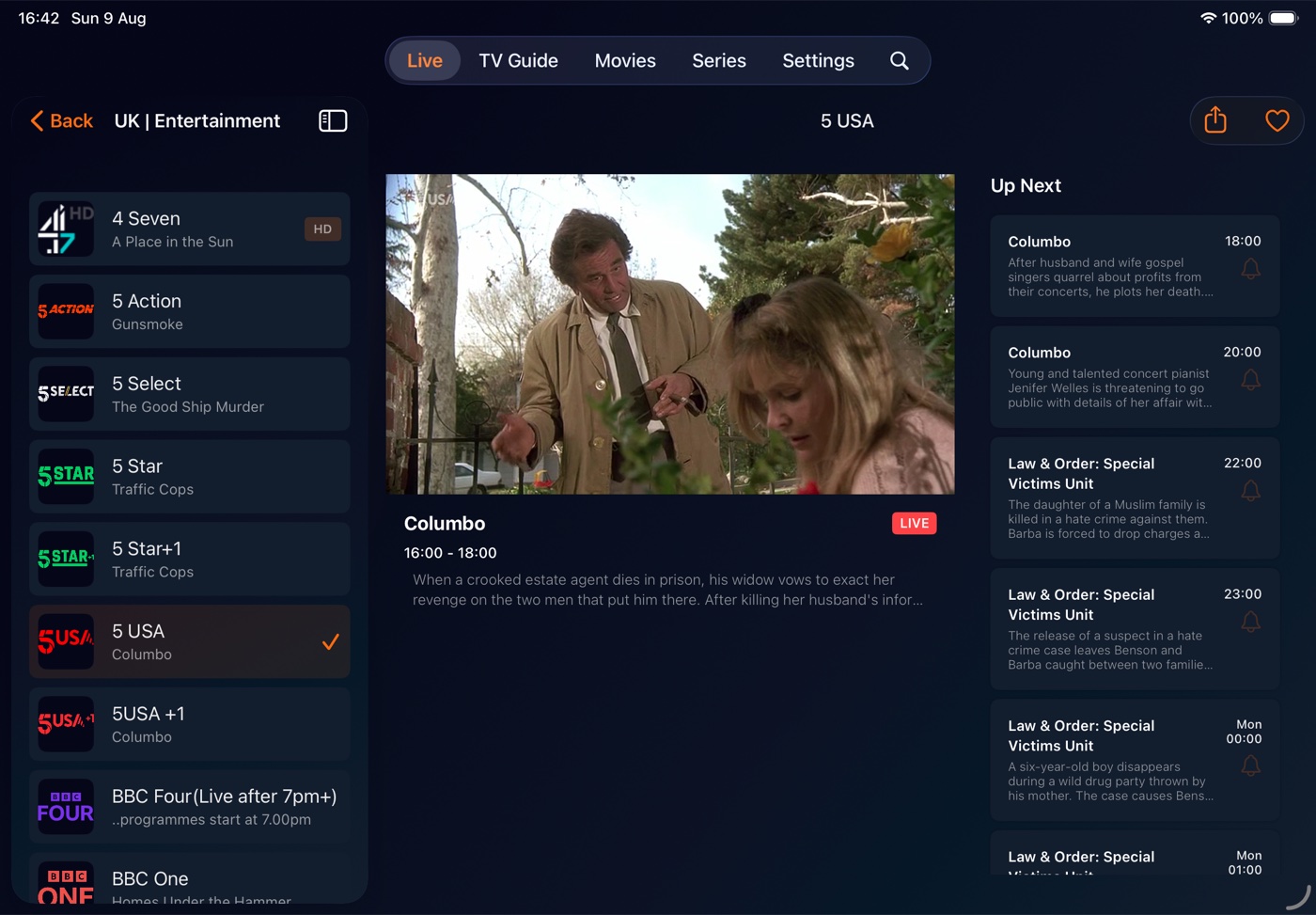
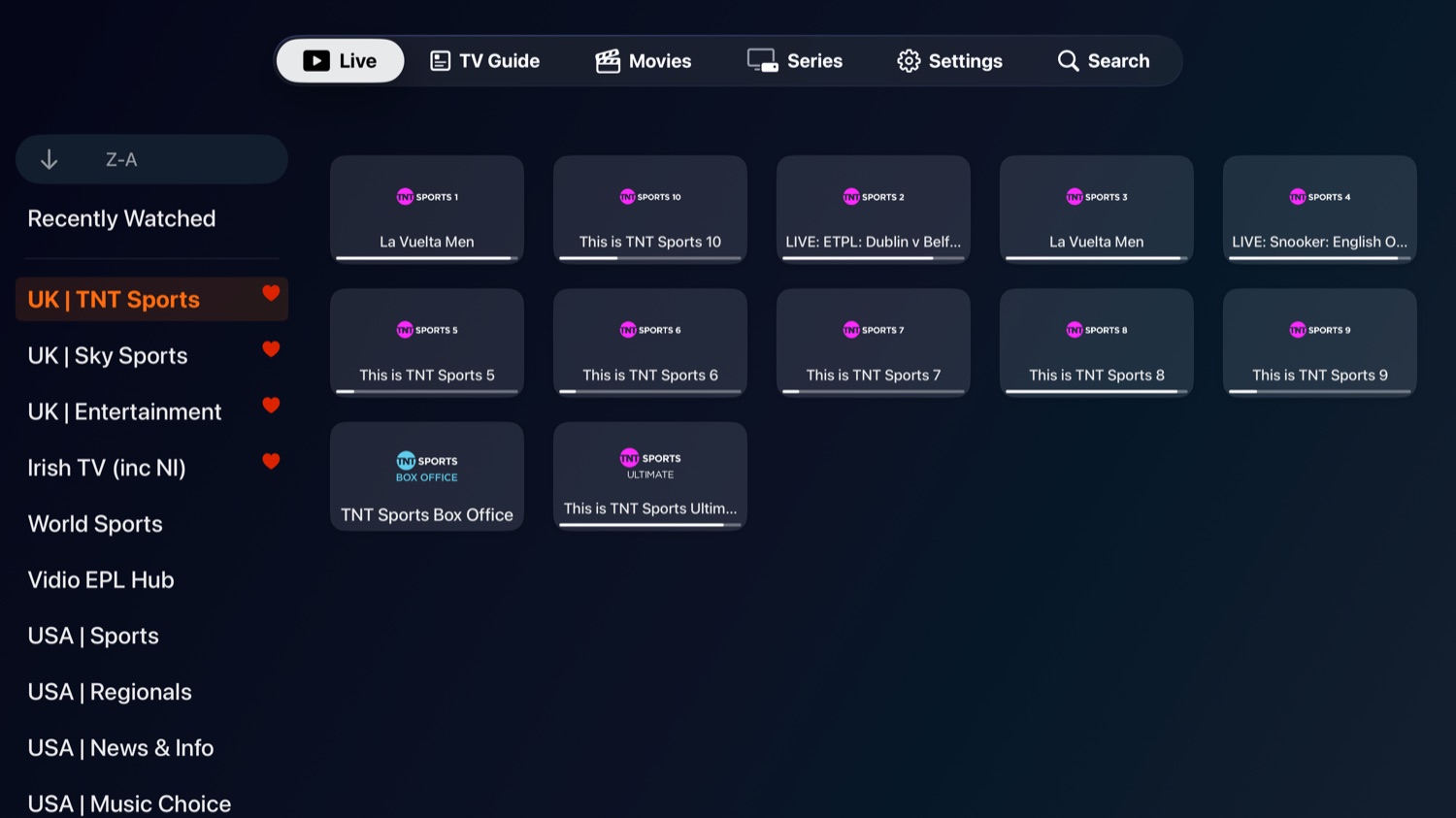
All your channels, with favourites, a recently-watched list and one tap to pick up the last thing you had on.
Sign in with the IPTV subscription you already have and watch live TV, movies and series on your iPhone, iPad and Apple TV. A proper TV guide comes built in.
Bring your own subscription • Xtream Codes & SupaLegacy supported
Each one gets a layout designed for its screen. Vision Pro and Mac are still to come.
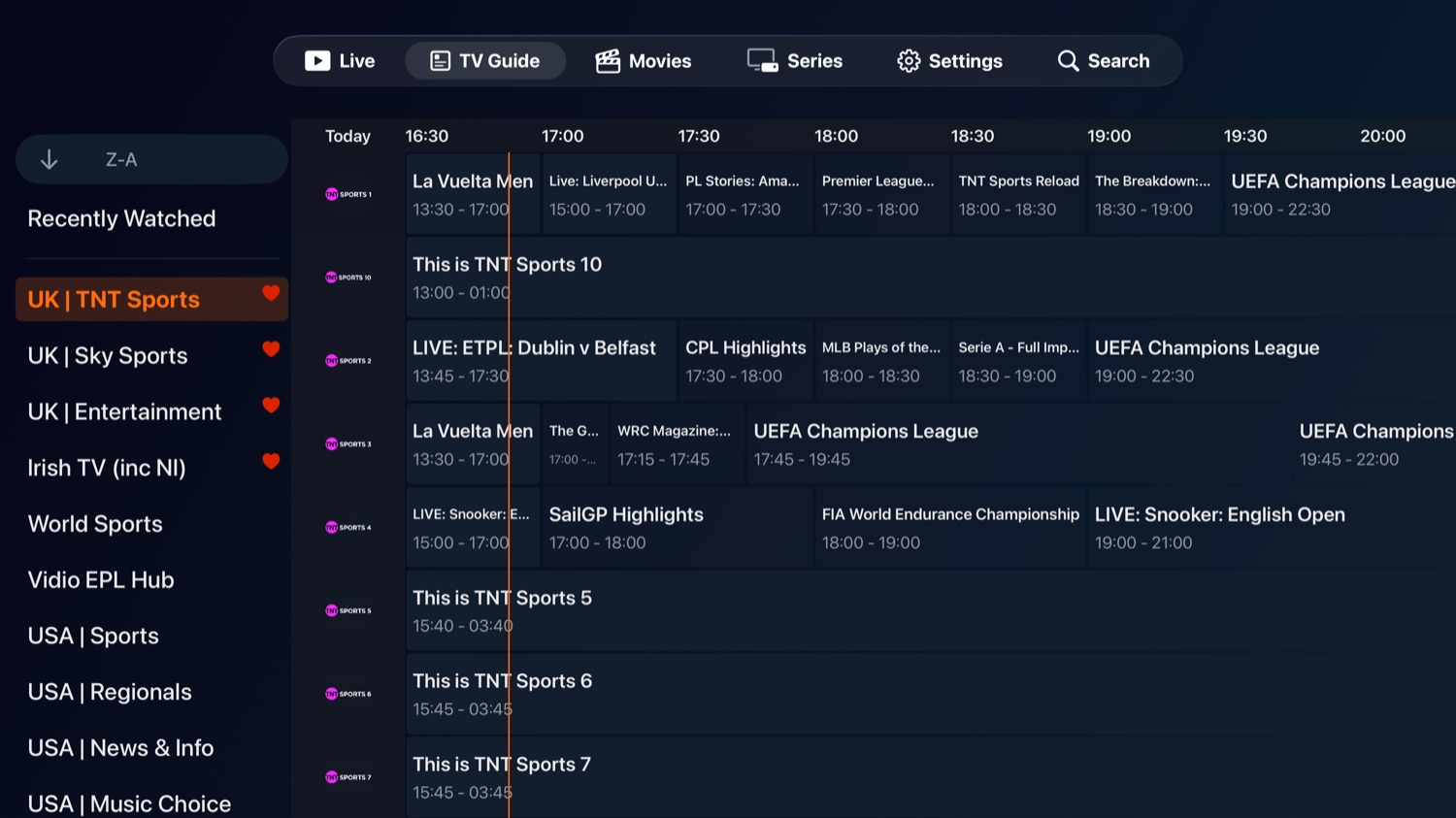
Live channels, your full movie and series library, and a guide that shows what's on now and next.
All your channels, with favourites, a recently-watched list and one tap to pick up the last thing you had on.
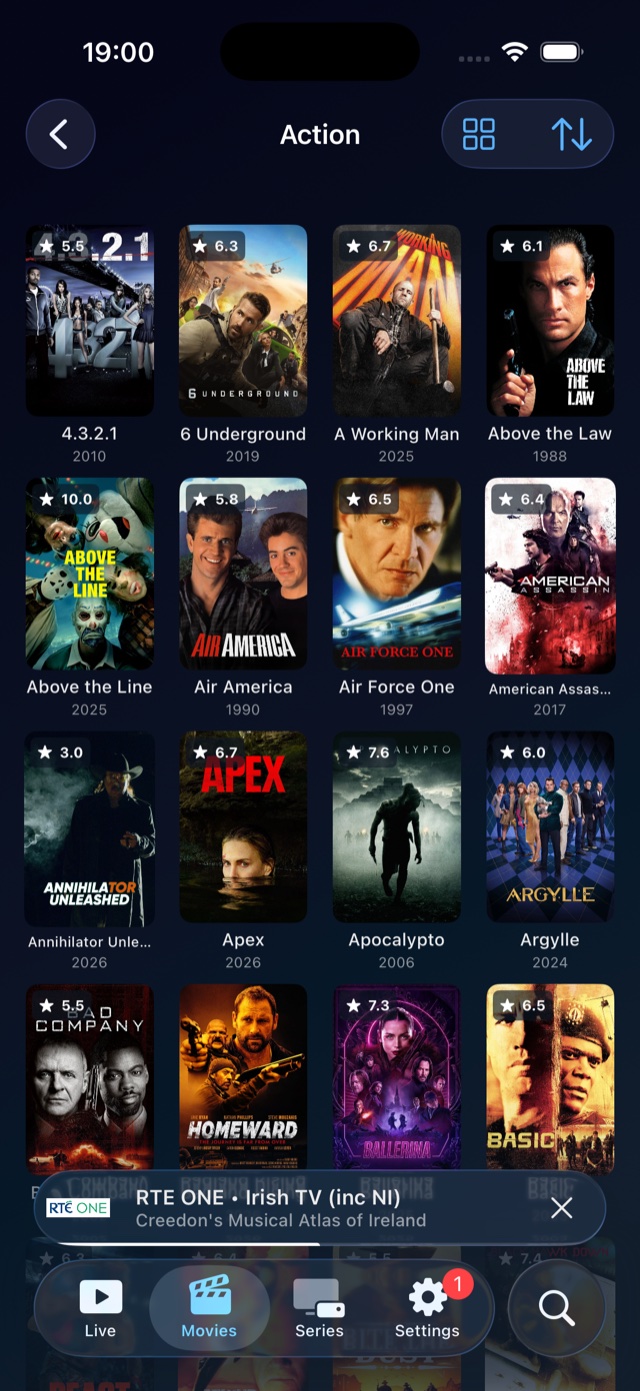
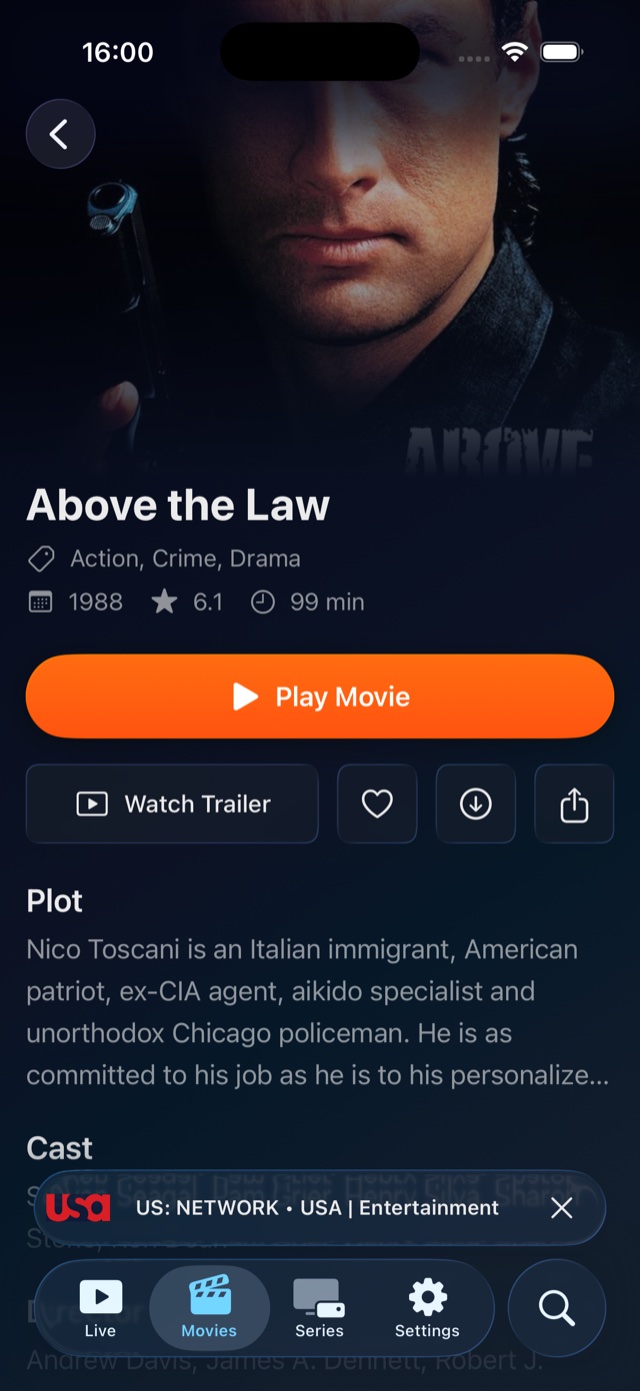
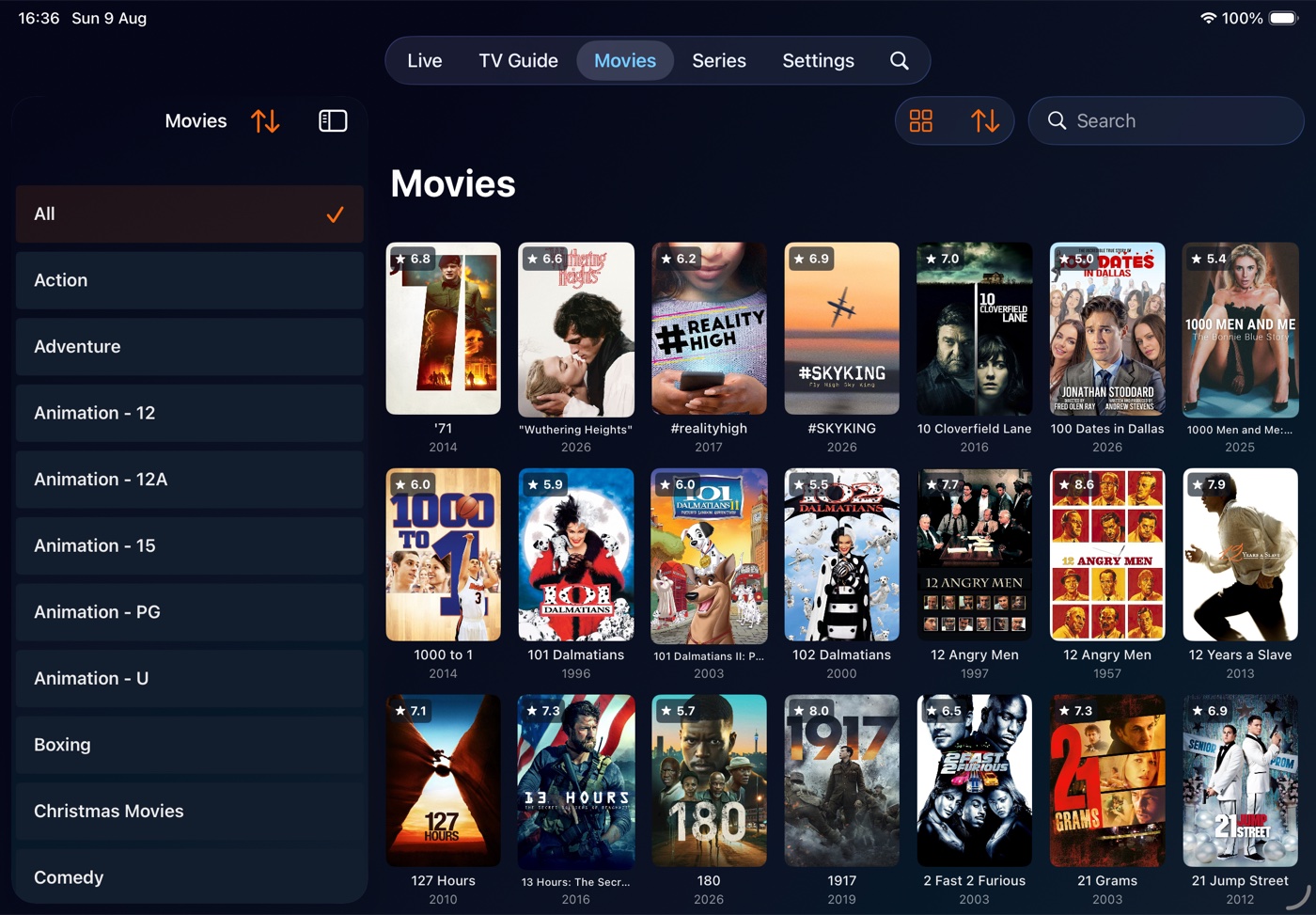
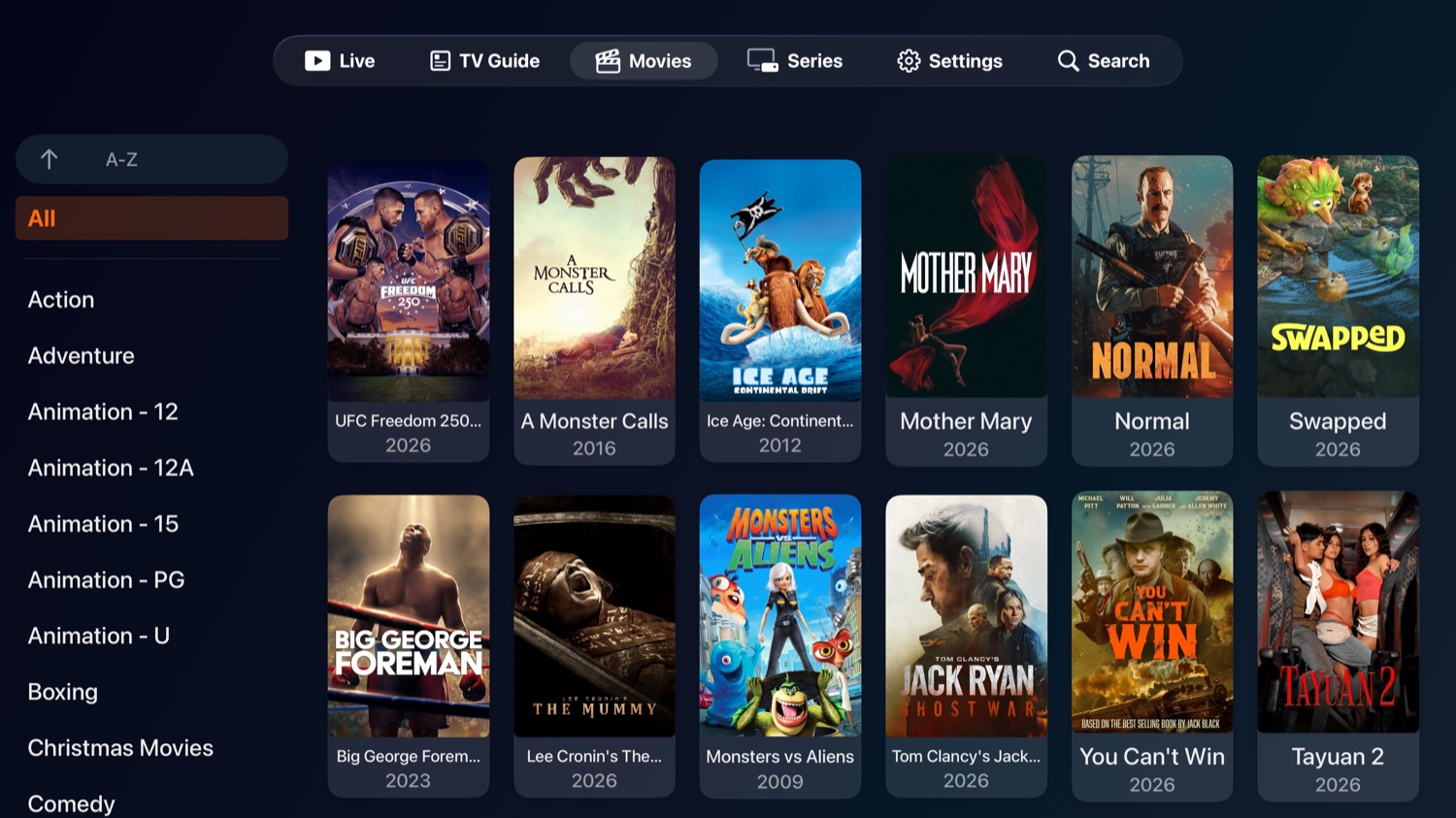
Browse the movie library by category, read the details and watch the trailer before you start.
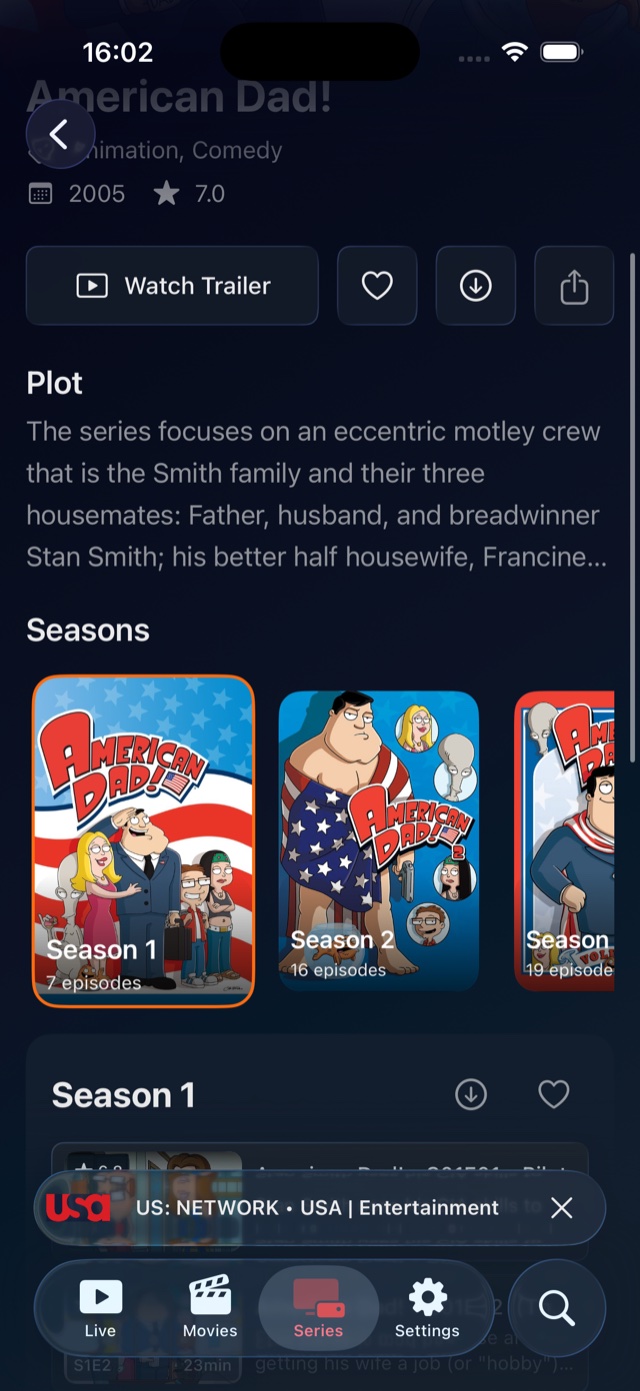
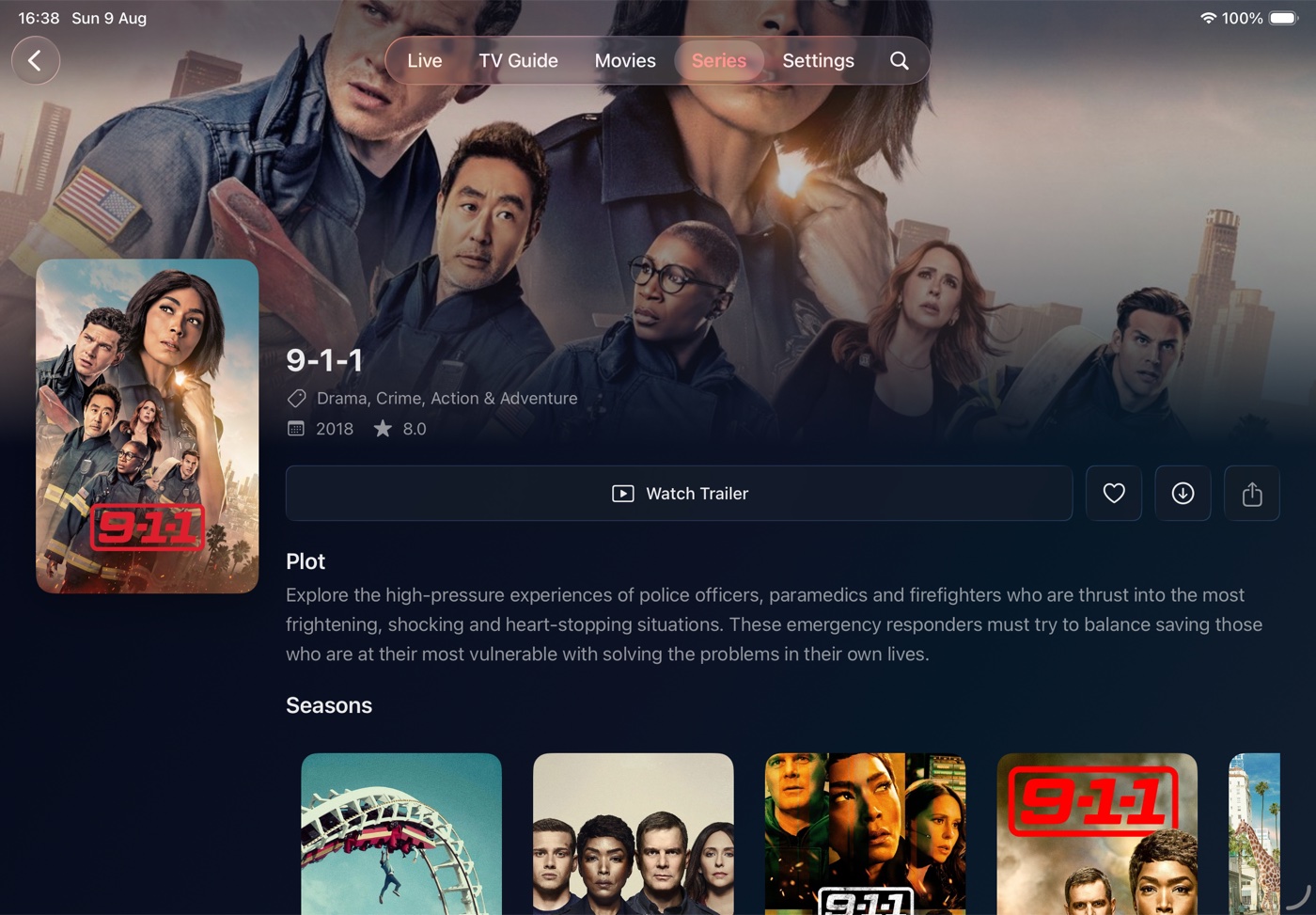
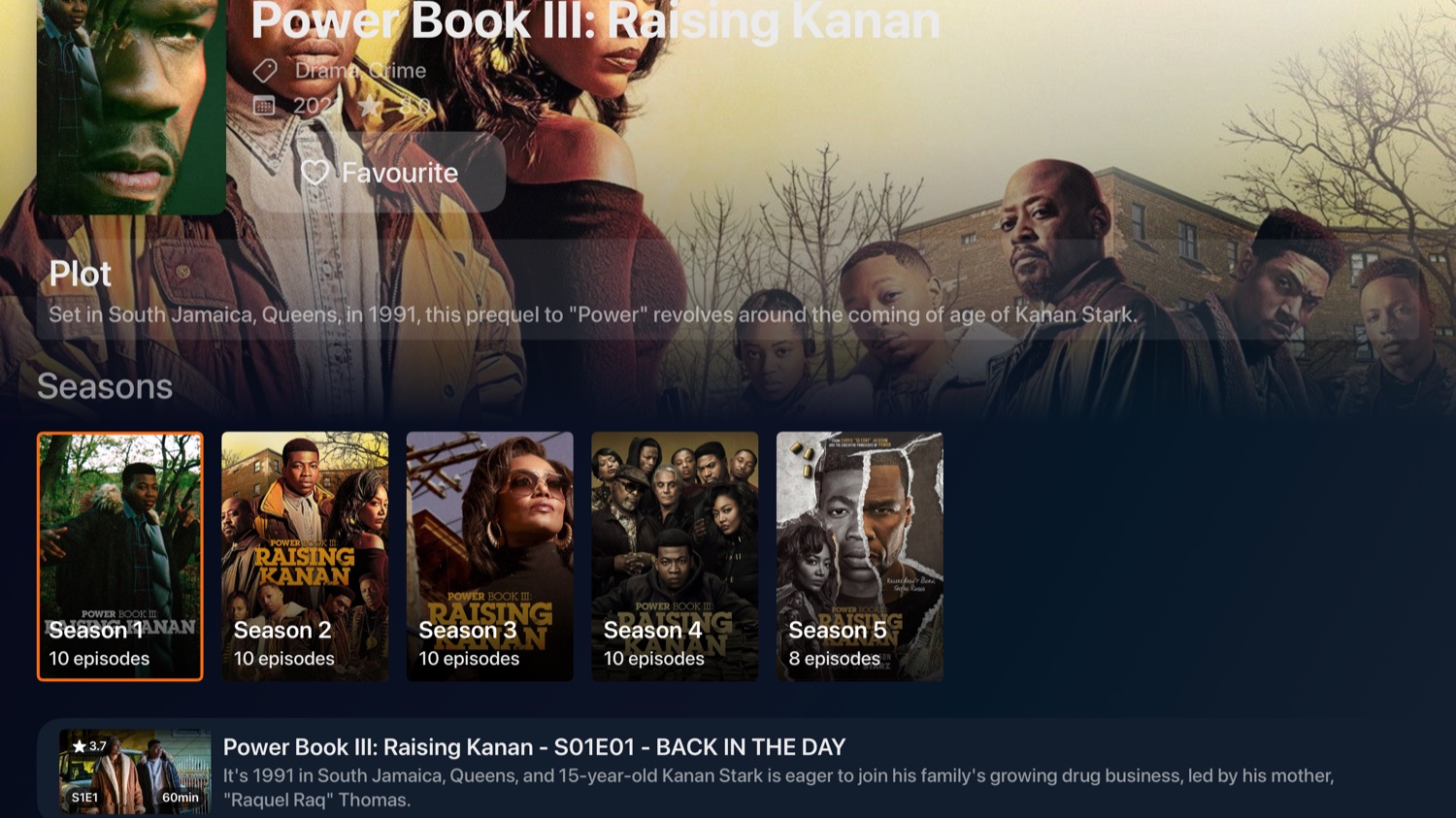
Every season and episode in order, with favourites for the shows you're keeping up with.
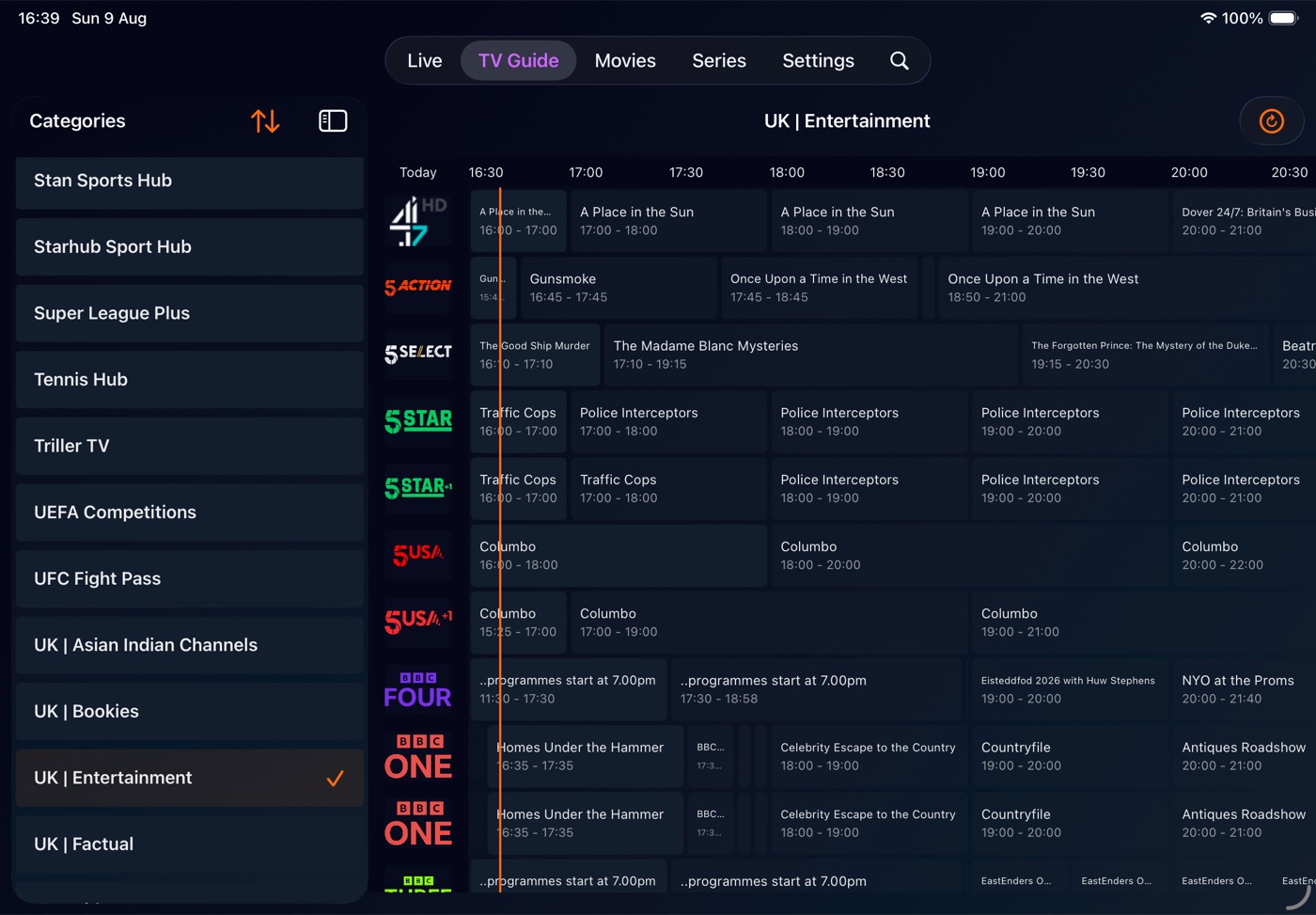
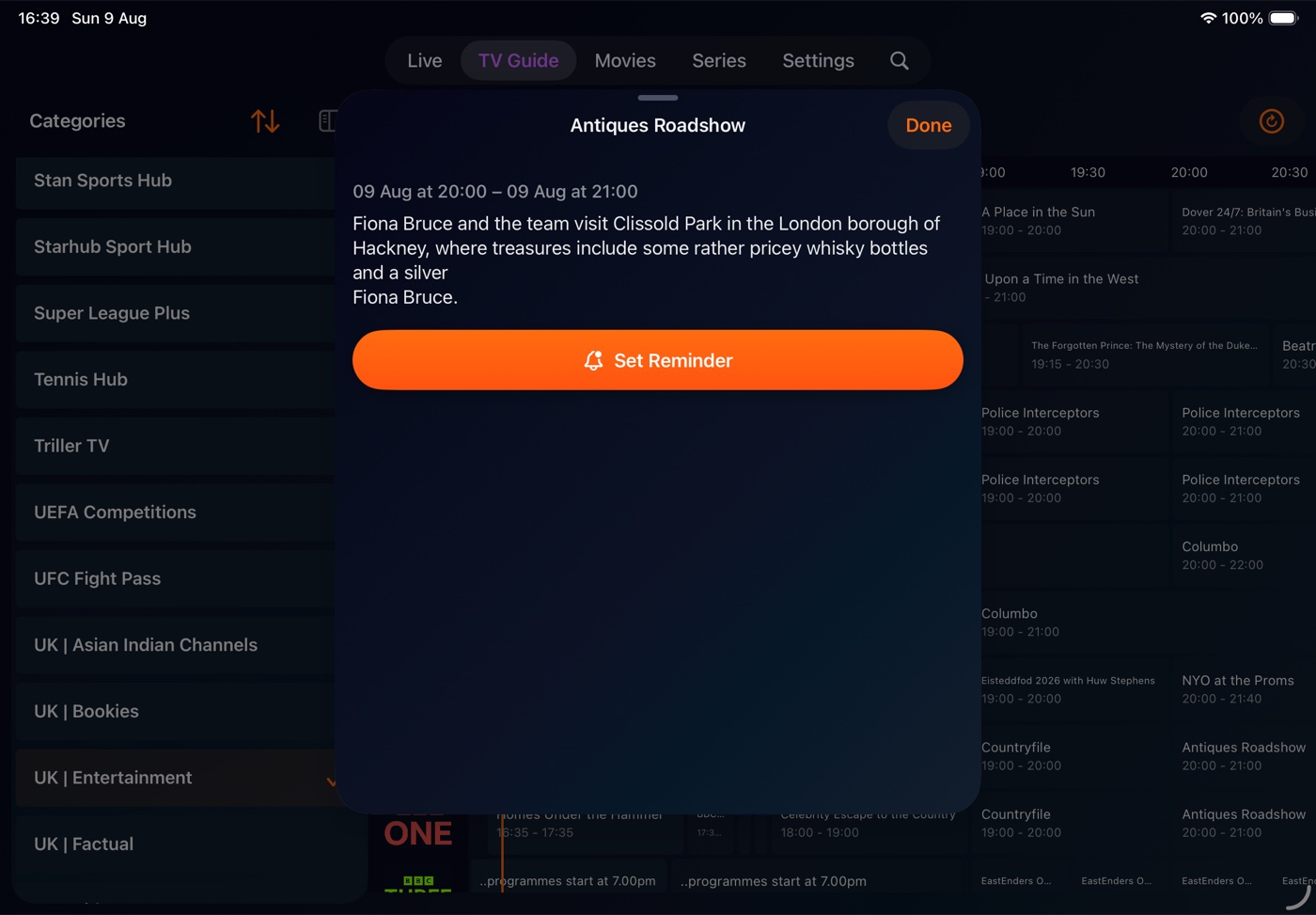
A full programme guide showing what's on now and next. Set a reminder and your phone nudges you before a show starts.
One search box covers channels, shows and individual programmes across your whole subscription.
Download movies and episodes to your device and watch them later, on a flight or anywhere without signal. Pause and pick up where you left off.
Missed something? Go back and watch programmes that have already aired, on channels that support it.
Tap share to send a channel, film or episode to a friend, straight from the iOS share sheet.
Native navigation, gestures and layouts, so it moves the way you expect an iPhone app to.
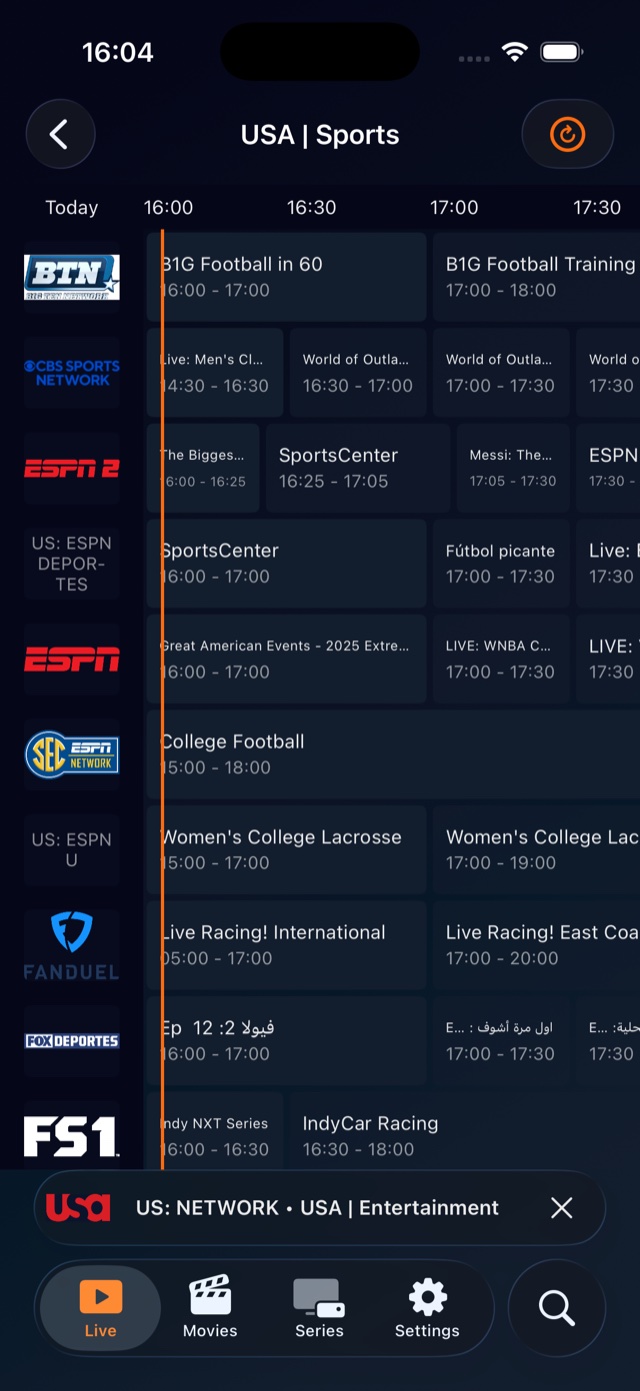
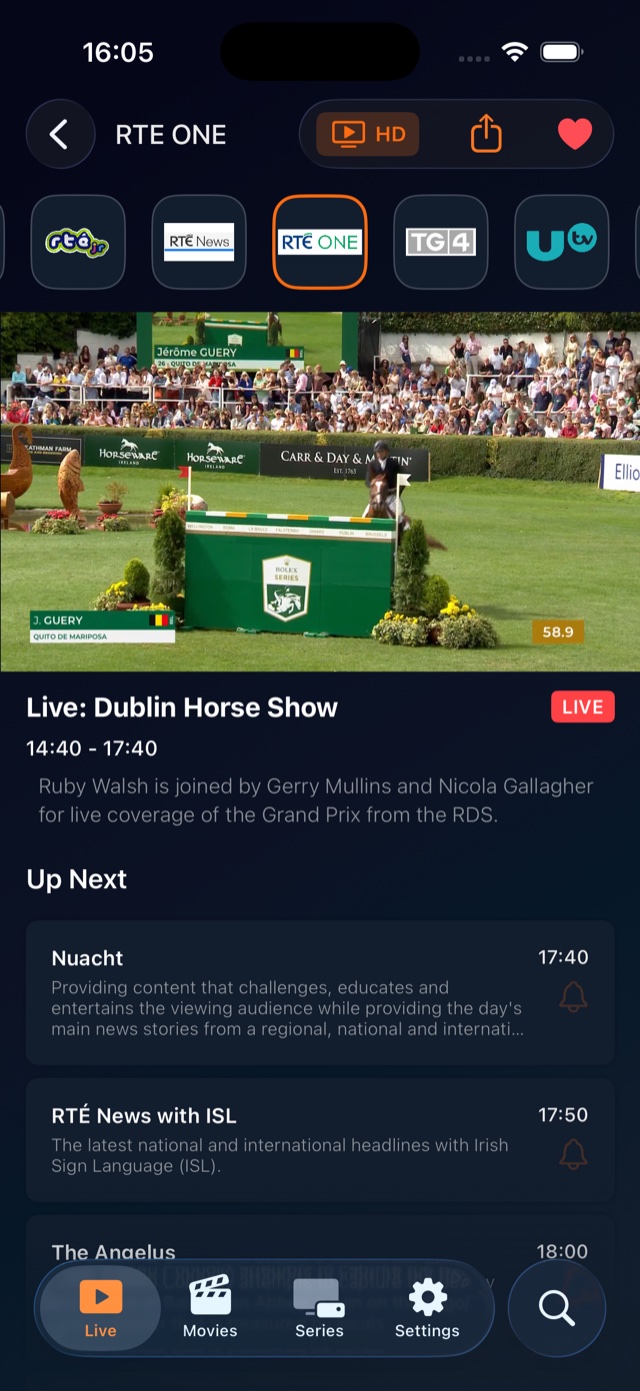
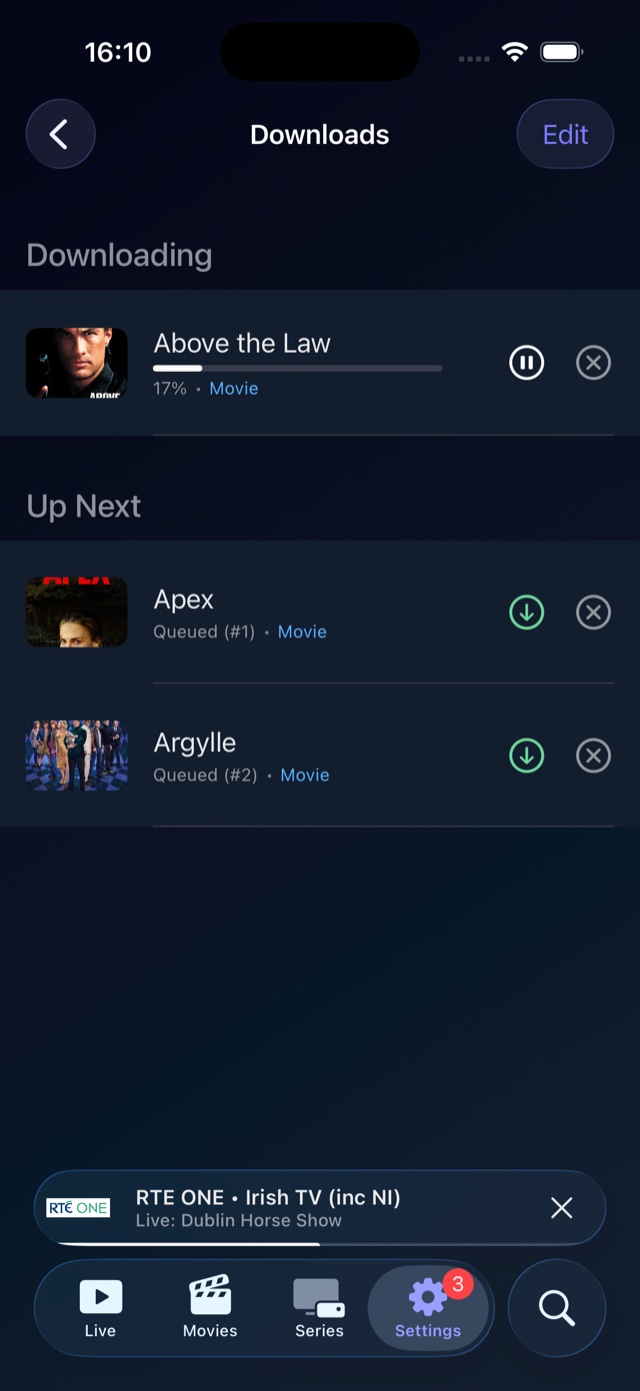
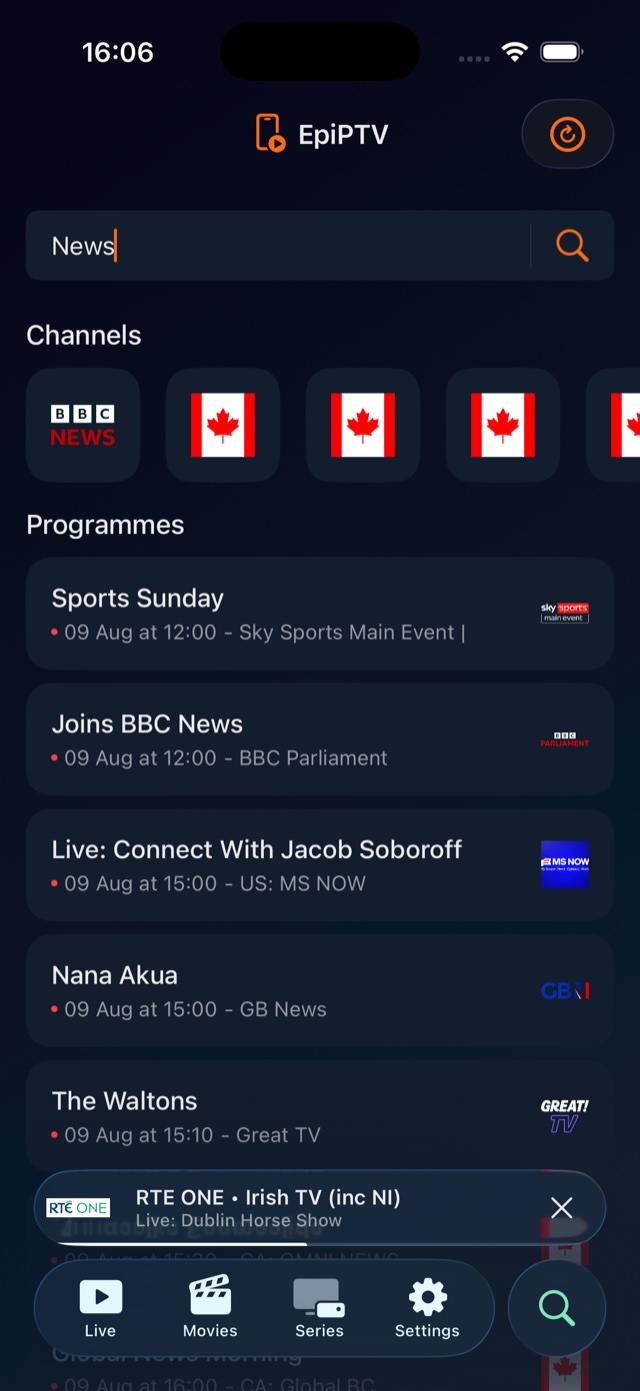
On the bigger screen, your channel list, the player and what’s on next all sit side by side.
The whole app, rebuilt for the television and the Siri Remote.
The smaller things you'll come to rely on once you've lived with it for a bit.
One tap to favourite channels, movies, series, seasons and episodes.
Sort by name, year or rating — or drag to set your own category order.
Pick your audio and subtitle track. It remembers the choice for each stream.
Switch between 4K, FHD, HD and SD whenever a channel offers a choice.
Pick up your last live channel, or scroll back through what you've recently watched.
Choose stream format, tune network buffering and fix provider quirks with the built-in playlist editor.
Your content surfaces on the Apple TV home screen and deep-links straight into the app.
Light and dark appearance follow your system, with layouts tuned per device.
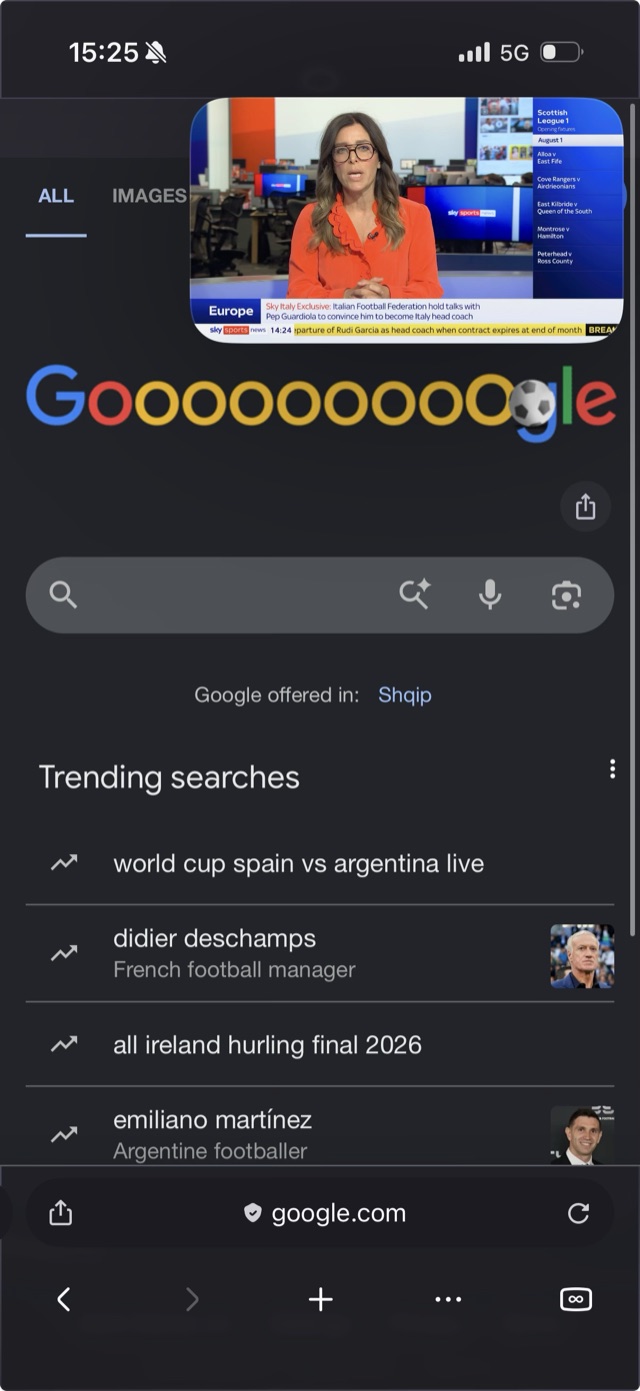
Pop the video out into a floating window and it stays on top while you check a score, reply to a message or look something up. It works over any app, not just this one.
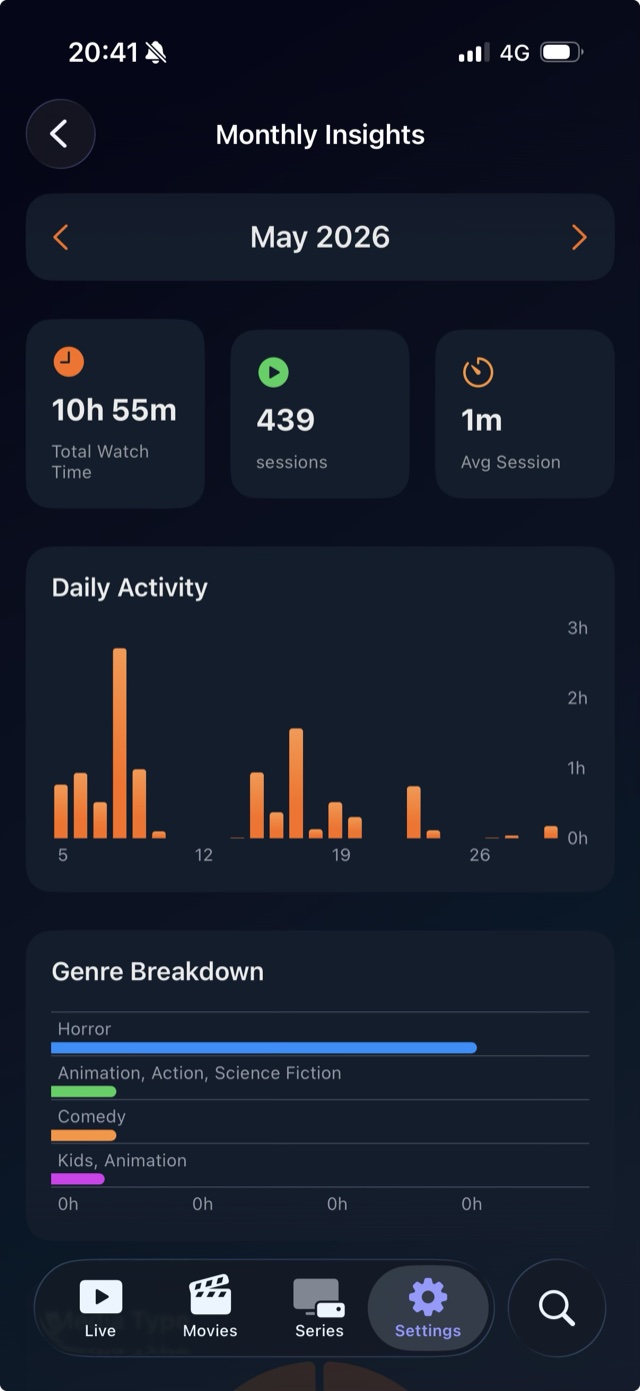
See where your time actually went with monthly stats and an end-of-year recap. Daily activity and a genre breakdown show what you actually watched, not what you meant to.
We put real work into VoiceOver, text sizing and translations, rather than leaving them as a box to tick at the end.
Every control is labelled for VoiceOver, so you can get around the whole app by voice and touch.
Text follows your preferred size and the layout adjusts to match, so it stays readable however large you set it.
The app is translated into several languages already, with more on the way.
EpiPTV doesn't sell channels or content. Sign in with the provider you already pay for and it plays everything back, with wide format support thanks to VLC underneath.
One download covers iPhone, iPad and Apple TV. Sign in with the IPTV subscription you already have and start watching.
Free to download. Requires an IPTV subscription from your own provider.
Want the next release early? Join the TestFlight